 CNV Connect
One backlog, five ways to look at it
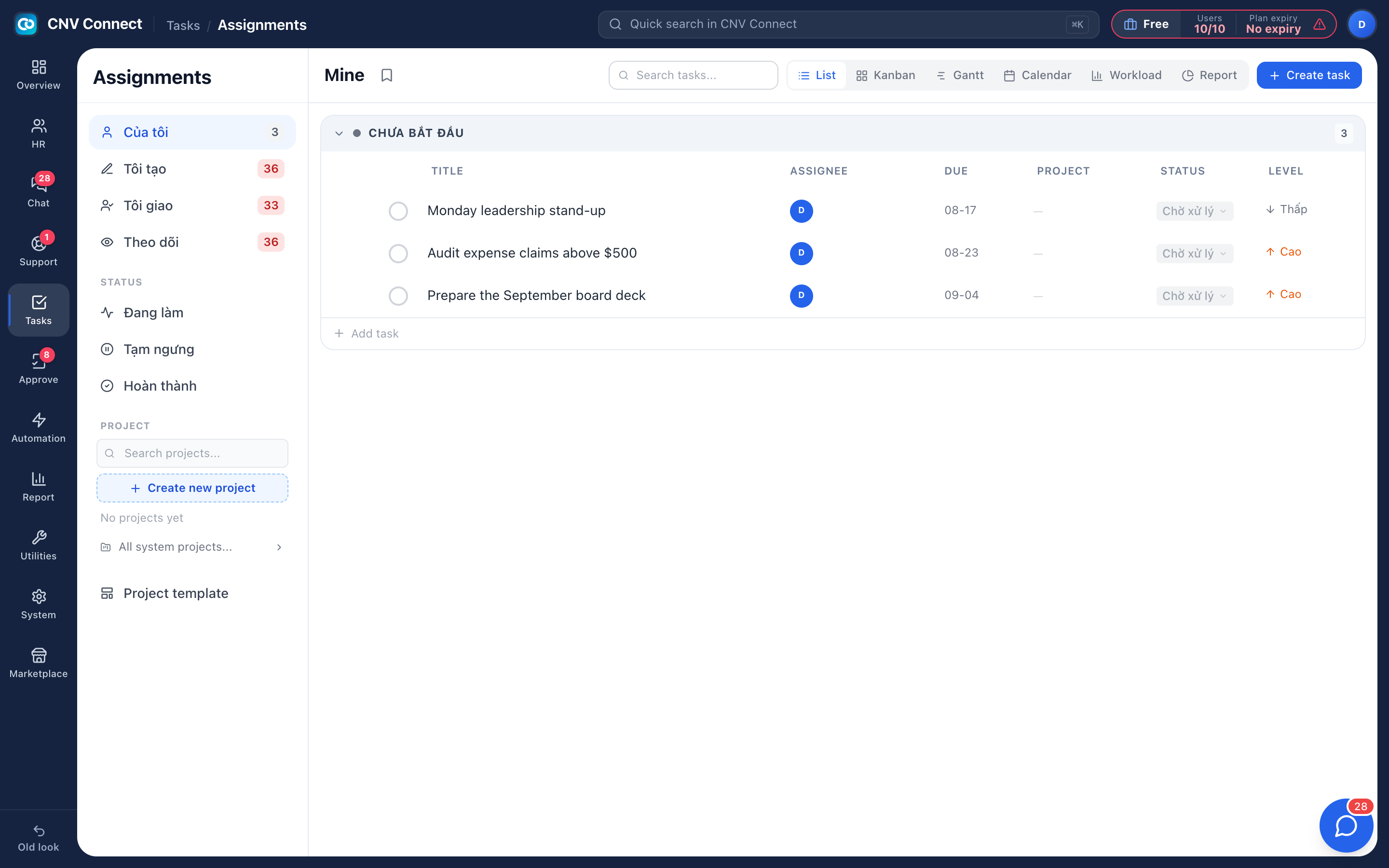
List, kanban, gantt, calendar and workload — the same tasks, arranged for whoever is looking: the person doing the work, the manager balancing it, the director tracking the deadline.
Views, not copies
Switching view never moves data — the filters you set stay applied.
Projects and templates
Group work into projects, and turn a repeating process into a template you run again.
Follow without owning
Add yourself as a follower to be notified about a task somebody else is responsible for.
Linked to real work
Create a task from a chat message or from a support ticket; it stays connected to where it came from.
A task with everything attached
Owner, dates, status, priority, description, subtasks, files up to 50 MB, comments with mentions, and an activity trail that shows who changed what. Start a task and the start date is stamped, so time on the job is measured rather than remembered.
- Subtasks with groups for larger pieces of work
- Drag and drop attachments, or link to a document elsewhere
- Comments notify followers, not the whole company
- Complete a task from the list without opening it
Workload before the sprint, not after
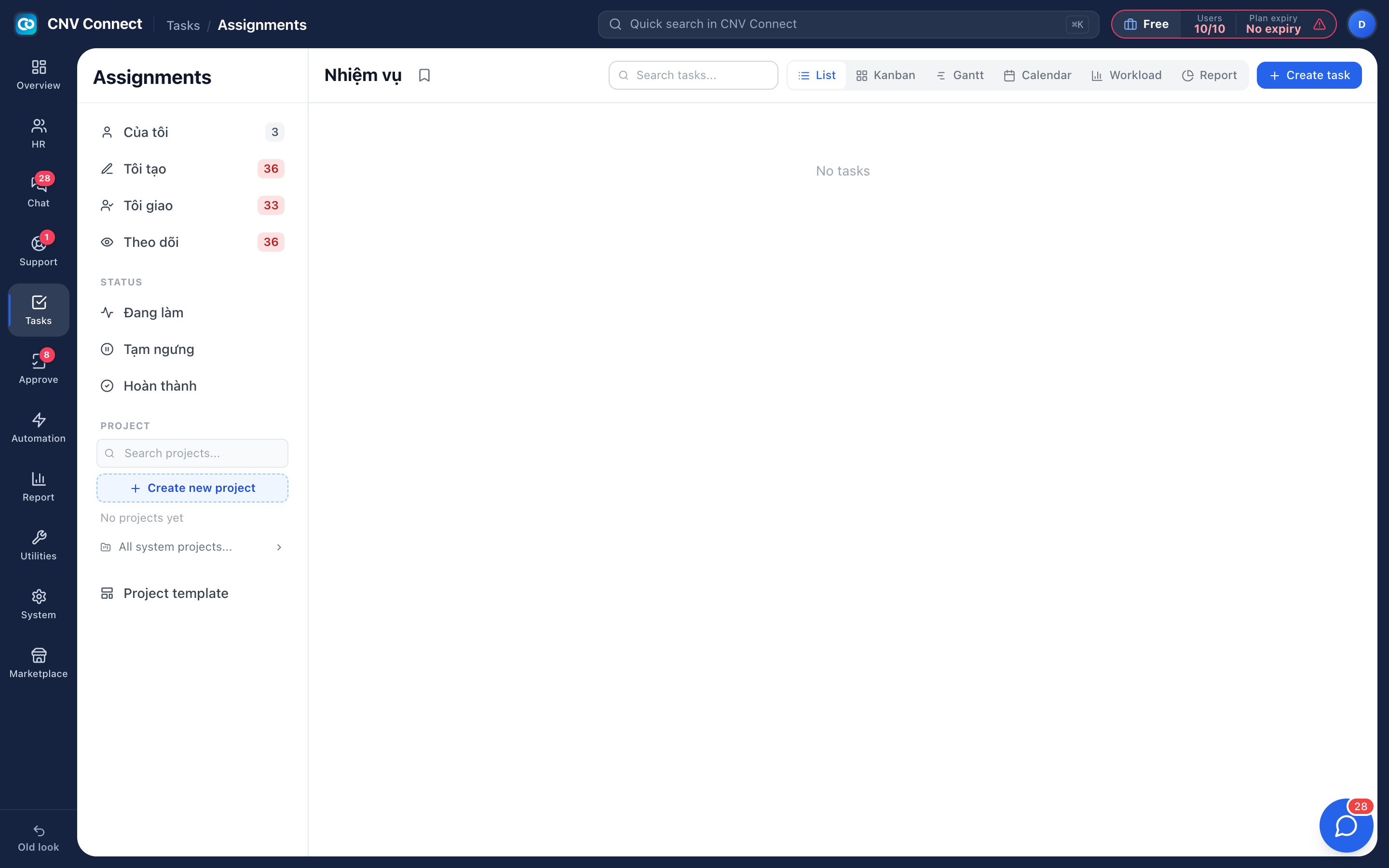
The workload view groups open tasks by assignee, so the person carrying fourteen items and the person carrying two are side by side. Rebalancing is reassigning, and the new owner is notified immediately.
- Stages are configured per task list, so different processes keep different columns
- Board columns are those stages — dragging a card moves the stage
- Unassigned work is visible instead of quietly waiting for a volunteer
How teams set this up
- Create a project, or work straight from the personal task list.
- Add tasks with an owner and a due date.
- Run the day from the assigned-to-me filter.
- Use the workload view weekly to rebalance.
Frequently asked
Is there a limit on projects or tasks?
No. Plans are priced by users, not by the amount of work you track.
Can tasks come from other modules?
Yes — from a chat message, or attached to a support ticket, and they appear in the same lists.
Do we need a separate project tool?
For most operational teams, no. Gantt and calendar cover deadlines; workload covers capacity.
Works with
Approvals
Leave, overtime, expenses, business trips, attendance corrections — design the form, decide who signs and in what order, and let the system chase everyone.
Team chat
Channels for teams and sites, direct messages, files, pinned notices and bots that announce what the other modules are doing — inside the same workspace, on the same accounts.
Help desk
Every request from a customer or a colleague becomes a ticket with an owner, a priority and an SLA countdown — so "we will look into it" has a deadline.
Get your whole team on one system this week
The Free plan covers 10 users with every module switched on — no card, no sales call, no migration project.
Free forever for 10 users · no credit card · set up in an afternoon