 CNV Connect
The half of the product that lives in a pocket
Everything a deskless employee needs: clock in and out, submit the shift's forms, see the roster, claim an open shift, request leave, chat, and approve on the way to the next job.
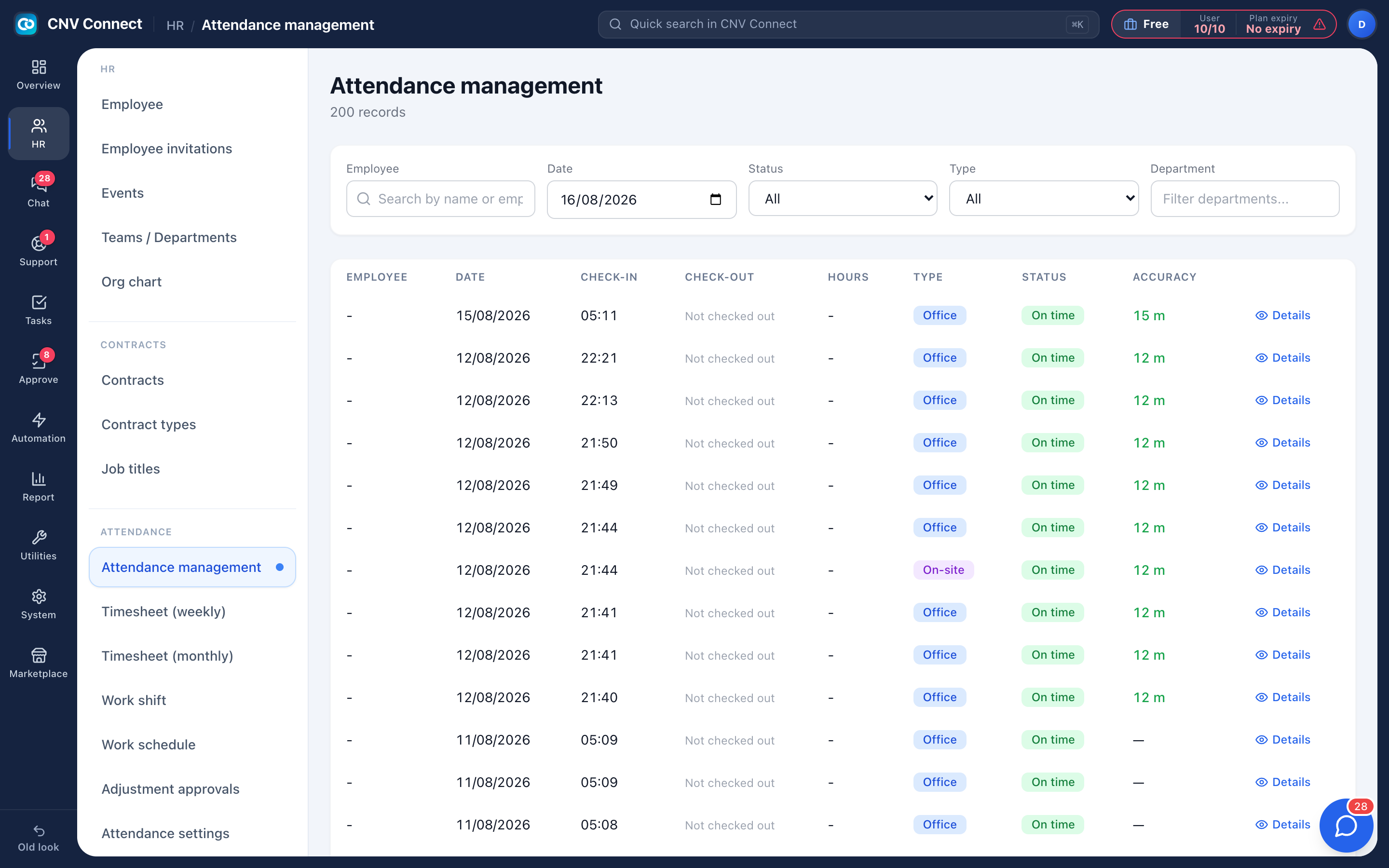
Clock in with proof
Position, accuracy and optional photo captured with every punch.
Forms on site
The safety forms required for that shift, in the order they must be done.
My week
The roster as published, plus open shifts that can be claimed on the spot.
Push that matters
Per-person control over which events reach the phone.
Built for the conditions, not the demo
Weak signal, gloves, bright sun and a shift that starts before the office opens. Clock-in works against a location radius or the site Wi-Fi, forms queue and sync, and the navigation bar can be reordered per person so the two things they use are always first.
- Leave requests and approvals from the phone
- Team chat with mentions and files
- Corrections submitted with a reason, approved by a manager on web or mobile
How teams set this up
- Invite the employee — the invitation is the account.
- They install the app and sign in with the same e-mail.
- The roster, the forms and the rules for their site arrive automatically.
Frequently asked
Which phones are supported?
Current iOS and Android devices.
Does it work without signal?
Actions queue on the device and sync when the connection returns.
Can the office use the phone app too?
Yes, though the web workspace is where administration is done.
Works with
Time clock & attendance
People clock in from their phone inside a location you registered.
Forms & checklists
Hazard assessments, toolbox talks, fit-for-duty declarations and equipment inspections — designed once, filled in on site, and stored against the shift they belong to.
Scheduling
Define your shift patterns once, roster people day by day, and let staff claim the shifts nobody covers — from their phone, first come first served.
Get your whole team on one system this week
The Free plan covers 10 users with every module switched on — no card, no sales call, no migration project.
Free forever for 10 users · no credit card · set up in an afternoon